Thermal blanket repair kit and the patch job
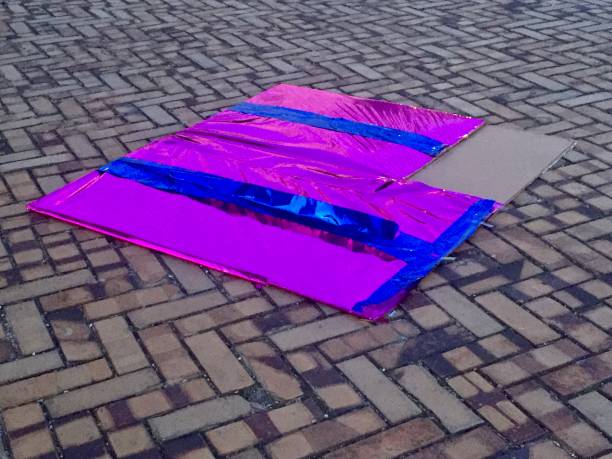
First, understand what you’re dealing with. Thermal blankets, also called multi-layer insulation or MLI, are exactly what the name says. They’re layers of aluminized Kapton, Mylar, and Dacron mesh stacked together to reflect heat and block radiation. A tear exposes the layers underneath to raw space. Over time, that spot becomes a heat leak, a radiation path, or—worst case—a snag point that rips wider during your next EVA. The repair kit is your space-rated first aid. It contains adhesive-backed patches, applicator tools, and sometimes a small roll of spare blanket material. The patch job is straightforward if you follow the steps and keep your head.
Before you leave the airlock, confirm the tear’s size and location. You need to know if the damage is a clean slice, a hole, or a ragged rip. Clean slices are easiest. You can apply a patch directly over them. Ragged edges need trimming. Don’t skip this. If you slap a patch over frayed material, the edges will keep peeling under thermal cycling. Use the scissors in your toolbox—the ones with the rounded tips so you don’t poke through the blanket into whatever’s underneath. Trim back loose fibers to give yourself a clean, straight edge about a quarter inch from the tear. That’s your landing zone.
Now prep the surface. This is where most rookies screw up. In microgravity, debris doesn’t fall away—it floats. Dust, loose fibers, stray bits of Kapton flakes. You have to clear the area around the tear. Use the small brush or compressed gas duster included in the kit. Brush from the center of the tear outward. Do this slowly. Every speck you leave under the patch will become a thermal bridge or a potential lifting point when the blanket shifts in temperature. Station temperature swings can hit two hundred degrees between sun and shade. A patch that lifts on one cycle will fail completely on the next.
Once the area is clean, cut your patch. The kit gives you a pre-sized square, but you might need a rectangle or a custom shape depending on the tear. General rule: the patch should overlap the tear by at least half an inch on all sides. Measure twice with your ruler—the one with the magnetic clip so it doesn’t float away. Cut the patch with clean, straight lines. You want crisp edges, not zigzags. Zigzag edges create stress points where the adhesive will peel.
Here’s the tricky part: applying the patch in zero G. Back on Earth, you stick a bandage by pressing one side down first. In orbit, the patch wants to float sideways and crumple. Use the applicator tool—usually a plastic paddle with a curved edge. Peel the backing off the patch one corner at a time. Don’t pull the whole backing off at once. That’s a rookie move. You’ll end up with a wad of adhesive foil drifting across the airlock. Start at one corner, press it onto the clean blanket surface, then slowly peel the rest of the backing as you smooth the patch outward with the applicator. Work from the center of the tear outward to push any trapped air bubbles to the edges. Air bubbles are bad. They become pockets that expand and contract, flexing the adhesive loose.
After the patch is down, use the burnishing tool or the back of the applicator to press the edges firmly. You want full contact between the patch adhesive and the blanket. Run your finger along the overlap. Feel for any lift. If a corner is up, peel that section back slightly, re-clean if any dust got in, and press again. Once it’s stuck, it’s stuck. Check your work. The patch should sit flat, with no wrinkles and no exposed blanket edges beyond the trim line.
Finally, do a visual inspection of the surrounding area. The tear might have been caused by something sharp nearby—a burr on a bracket, a loose cable tie, a panel edge. If you don’t find and fix that cause, you’ll be patching the same spot again next week. Run your gloved hand over the blanket around the patch. Feel for snags. If you find a sharp edge, tape it down or grind it flat with the file from your toolbox. A two-minute fix now saves a thirty-minute re-patch later.
That’s it. The job takes about ten minutes once you’ve done it a few times. Thermal blanket repair isn’t glamorous, but it’s the kind of grit that keeps your station alive. When you come back inside and the crew lead asks if you handled it, you don’t need a speech. You just say it’s patched and move on. Because in orbit, a good patch job is its own reward.
Space News
Latest Articles
New rockets, upcoming launches, and the stories shaping humanity's push off this planet. No astronomy degree required.